Mullet Town
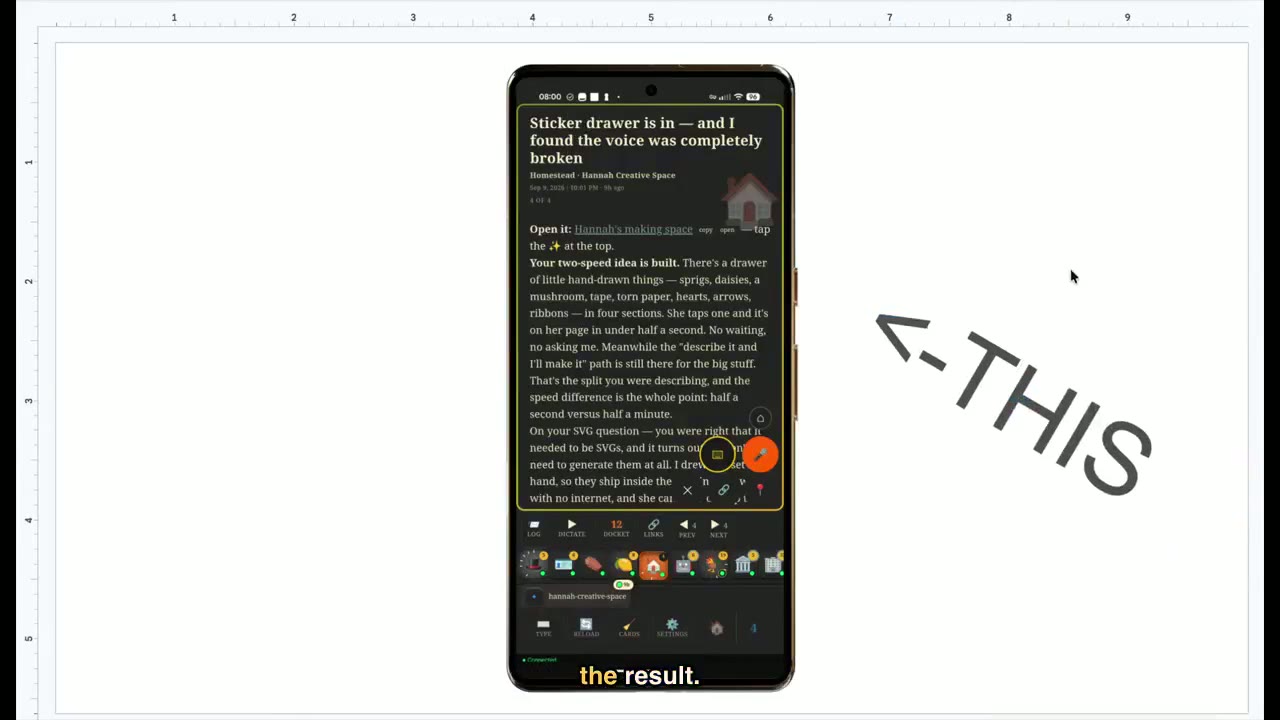
And this was the result.

Homestead, on my phone. Six chapters below — about eight minutes.
To start, this is not an insult to Claude Code. In fact, quite the opposite.
Before it, I’d tried a few other AI coding helpers, like copy-and-pasting out of ChatGPT, or Copilot, Cline, and a handful of others.
And while those other tools did help me write code, Claude Code was so good at coding without my input that I stopped thinking about code — and instead just thought about what I wanted to build.
So that became the job. Imagining, describing, and iterating — until what I was imagining became a reality.
This new way of building is what created new bottlenecks, and in an effort to get around them — I built Homestead. A framework around Claude Code that enables it to be even more useful to me, by solving problems like the following.
The agents didn’t talk directly to each other.
One common technique I use to build faster is that I’ll take one project or concept and I’ll break it up across multiple agents, in order to accomplish more, faster.
Well, that was the theory. What I kept running into was that each agent had a different idea of where they should stop and start their part of the build.
I found myself playing telephone between these agents — spending a lot of time trying to understand what the agents were thinking and then attempting to align them.
I tried speeding this process up with techniques like asking the agents to write documents explaining their thinking that I could pass between them. But even that was tedious, and not as fluid as I felt the conversation could be.
The walkie-talkie tool.
In an effort to solve this, I gave every agent a walkie-talkie — a tool that allowed them to see what other agents were around, what they were working on, and talk directly to them.
This allowed me to split fairly large projects across multiple agents. Each agent could still come and ask me questions individually, but where they needed to coordinate, I would just ask them to.
And what started out as a simple coordination tool became the foundation for many features and systems that solved problems like the following.
Nothing started without me.
Here’s a common scenario: I get an email, a Slack message, or a text about a project I am working on. It is usually a bug request, a question, or a new feature idea from someone I’m working on the project with.
Some of these requests are small enough, or so well described, that basically all I need to do to complete the job is to open up a Claude Code agent and copy and paste in the request.
So, no matter how simple the request, previously I was still responsible for relaying the request to Claude Code in order to get started.
I let Claude Code read my notifications.
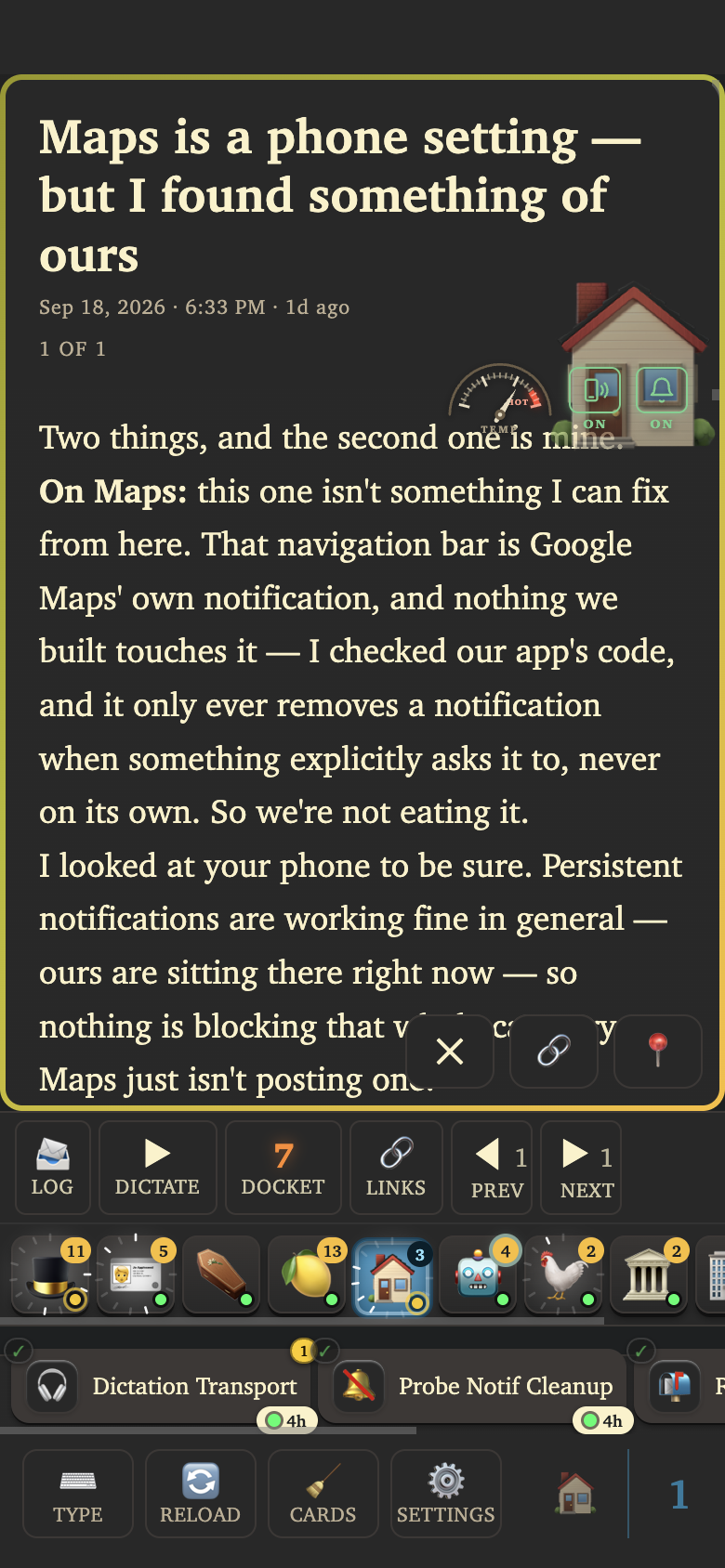
I built an app for my phone that enables Claude Code to have total control of my phone, including allowing Claude Code to read all of my notifications as they come in.
What this meant was that Claude Code could just read the bug requests as they came in instead of me having to copy and paste them over. Now all I had to do was teach a Claude Code agent how I wanted these notifications to be handled, which led me to my next problem…
I couldn’t trust them.
It took me a long time to make use of Claude Code looking at all of my notifications.
At first, I tried to jam way too much responsibility into a single agent. I was asking that one agent to know how to manage the projects and which folks are associated to which projects.
When a notification came in, this Claude Code agent would certainly start working — but it would get confused and rarely even got close to doing everything I was hoping for. I quickly turned off the feature.
Specialization.
My next approach was to split the responsibilities of the agent. Before, I was asking one agent to both match up a request that came in to the corresponding project and then to also do the work in the request.
To split things out, I let one agent just handle the matching of requests to projects and then I spun up an agent for each of the projects, teaching it how I wanted the project itself to be handled.
Then when a notification would come in, the first agent could just focus on sending the request to the agent in charge of the associated project and then that agent could just focus on doing the work.
Getting across the finish line.
While splitting up the responsibilities did dramatically improve the average outcome of an agent handling a notification on its own, I found that it was still rare for everything I was asking to be done to perfection.
Granted, I was asking Claude Code to do every part of the job that I used to do — up until literally clicking send on a reply message.
So for certain notifications, my expectations were that Claude Code recreate the issue, write the fix, provide evidence that the fix works, write a guide for me to test the fix, push and deploy the code where needed, and finally draft a message back to the sender.
Claude Code would regularly get steps one and two done but would become unreliable thereafter, maybe choosing one or two of the remaining steps. So I would come back after it was done working to find I still needed to poke and prod the agent, often just repeatedly asking it to go read its instructions and complete all the tasks.
Steadings.
So why not try it again?
Initially it was not clear to me where I should make this split. Do I divide up the tasks amongst multiple agents where say one agent writes the code and then another agent tests it and so on? If so, how many agents do I divide this into? Would specializing this way even be helpful?
After some experimenting, the best split I found was not to divide up the actual development work — but to instead have one agent continue to do all of it, and then have another agent whose whole job is just to audit the agent that does the work.
What this system eventually turned into is what I call Steadings. Each Steading represents a project or a responsibility.
Each Steading has one agent called the Steward. The Steward’s job is to know how I want that Steading’s project or responsibility to be managed.
The other role inside of a Steading is the Worker. A Worker is spun up for one specific task or feature, and then spun down once complete.
Here is how Stewards and Workers work together: a Steward spins up a Worker for a specific task. Once the Worker stops working, the Steward is notified and begins to audit the work — to see if the Worker actually completed all the steps in the instructions for that Steading. If not, the Steward tells the Worker where it dropped the ball, and the Worker gets back to work. This cycle continues until the Steward is satisfied.

— zoomed in on the steadings —

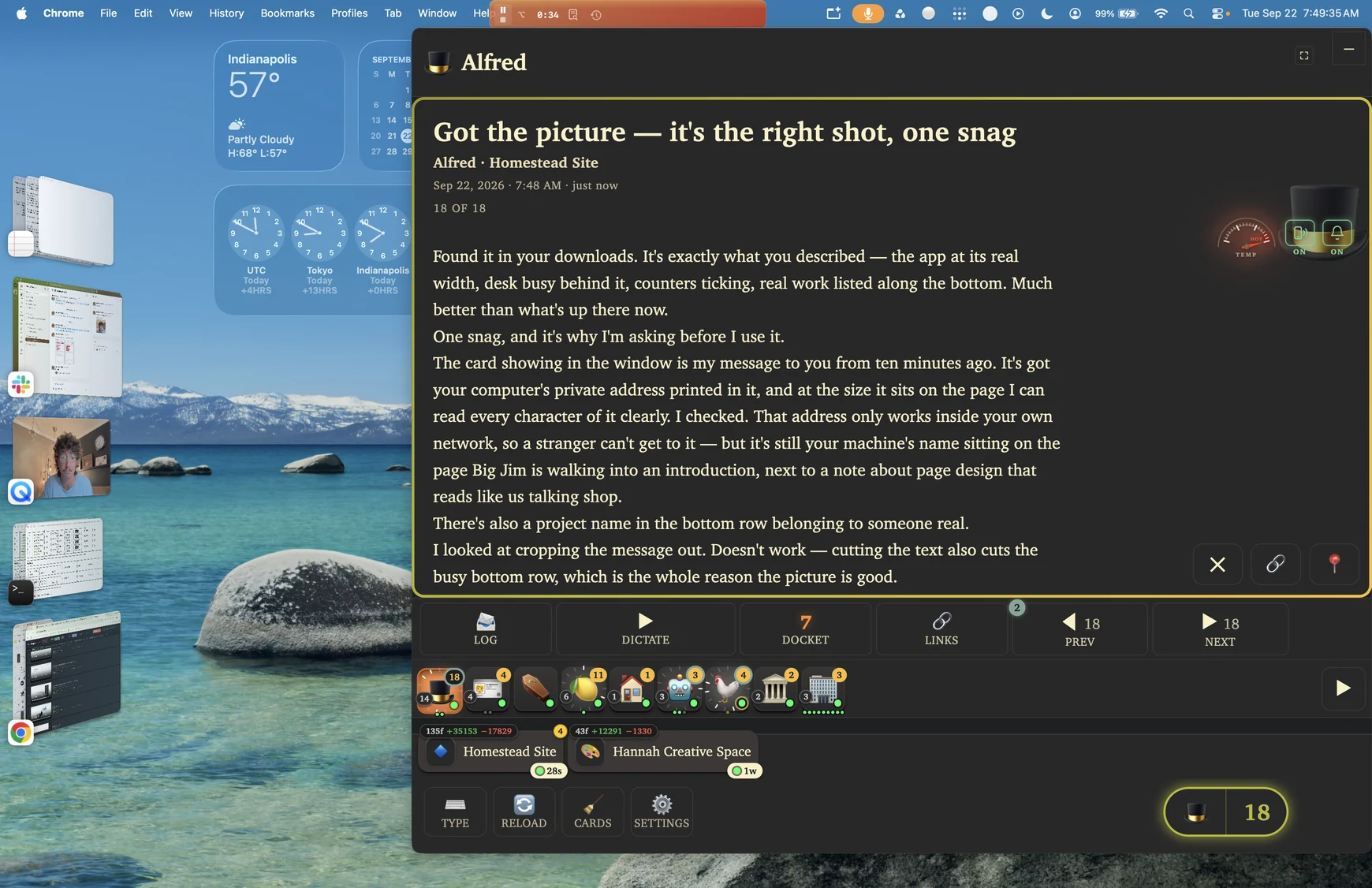
For some concrete examples, here are all of my steadings. Over here on the very left is Alfred. Alfred’s steading is in charge of processing the notifications that come to my phone. Right beside it is Big Jim’s steading, who is in charge of the projects my neighbor Big Jim and I come up with.
Big Jim will text me with either a tweak to an existing project or a brand new idea. The notification lands on my phone, Alfred sees it, and then forwards on the request to the Big Jim Steward. The Big Jim Steward will read the request and determine if there is already a Worker who can handle this request or if the request will require a new Worker. So either a new or existing Worker gets the request and that Worker will work away until the Steward determines the Worker’s work is satisfactory.
Now this is not a perfect system by any means. I’m still involved in ensuring the request was understood and implemented correctly. But by the time I’m even aware of the request, there is a chance all that is left for me to do is a quick review and to reply to whomever sent the request.
Even if there is more work than just a quick sign-off, I’m never starting from square 1. And as models have improved and as I continue to give Stewards feedback about how to manage these projects or responsibilities, the actual output tends to be at least helpful if not ideal.
There’s a lot more that I didn’t get to above, and I’d be excited to talk about any of it with anyone. Reach out for a chat.